
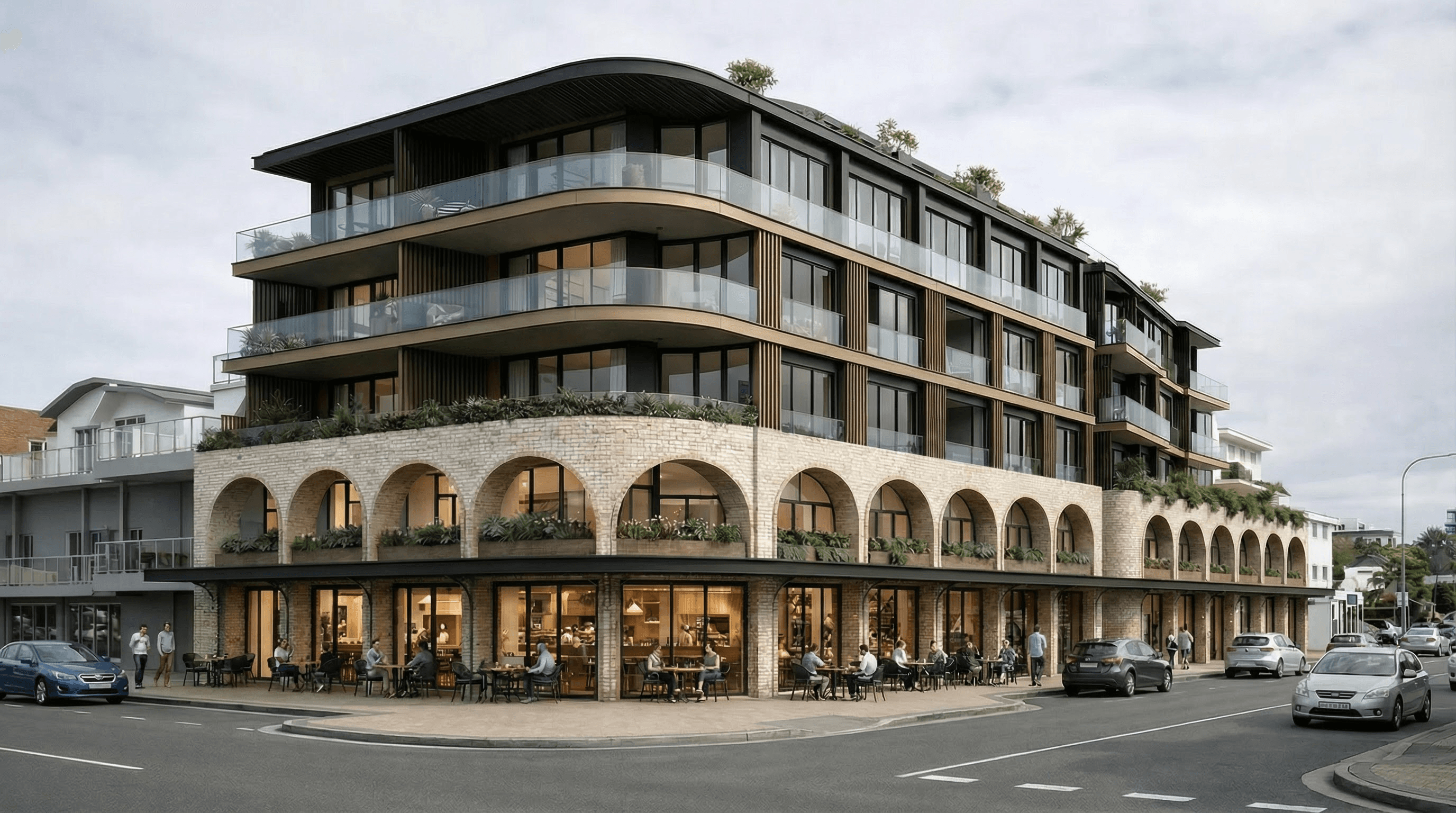
1. Earlier design conversations
Teams no longer need to wait until the final presentation stage to test how a proposal may feel. Early visualisations can expose questions about massing, materials, light and context while there is still time to respond constructively.
2. Clearer communication with non-technical stakeholders
Plans and elevations are precise, but they are not equally intuitive for every client, investor or community stakeholder. A considered visual helps people understand scale, atmosphere and street presence without asking them to mentally translate technical drawings.
3. Faster material and finish exploration
Alternative brick, timber, metal, planting and interior finish directions can be compared visually before a preferred path is developed further. The aim is not endless variation; it is making a better-informed decision with less guesswork.
4. Stronger site and environmental context
A building is rarely understood in isolation. Streets, neighbouring scale, landscaping, coastal light and pedestrian activity all influence how a proposal is perceived. Contextual imagery makes the relationship between the design and its location easier to discuss.
5. More useful client presentations
A presentation becomes more persuasive when drawings, reference material and visuals tell the same story. Rendering can support planning conversations, design reviews, investment presentations and early marketing without requiring the same image to perform every role.
6. Assets prepared for the channels that need them
Website banners, presentation slides, social posts and large-format print all place different demands on framing and resolution. Planning those uses early allows the visual suite to work harder after approval.
7. More efficient iteration without losing accountability
AI can make iteration faster, but architectural accuracy still depends on the quality of the source material and review. Clear drawings, a current model, approved materials and defined viewpoints give the visualisation a reliable foundation.
AI rendering works best as a controlled communication tool. It should clarify the design, not quietly redesign it.